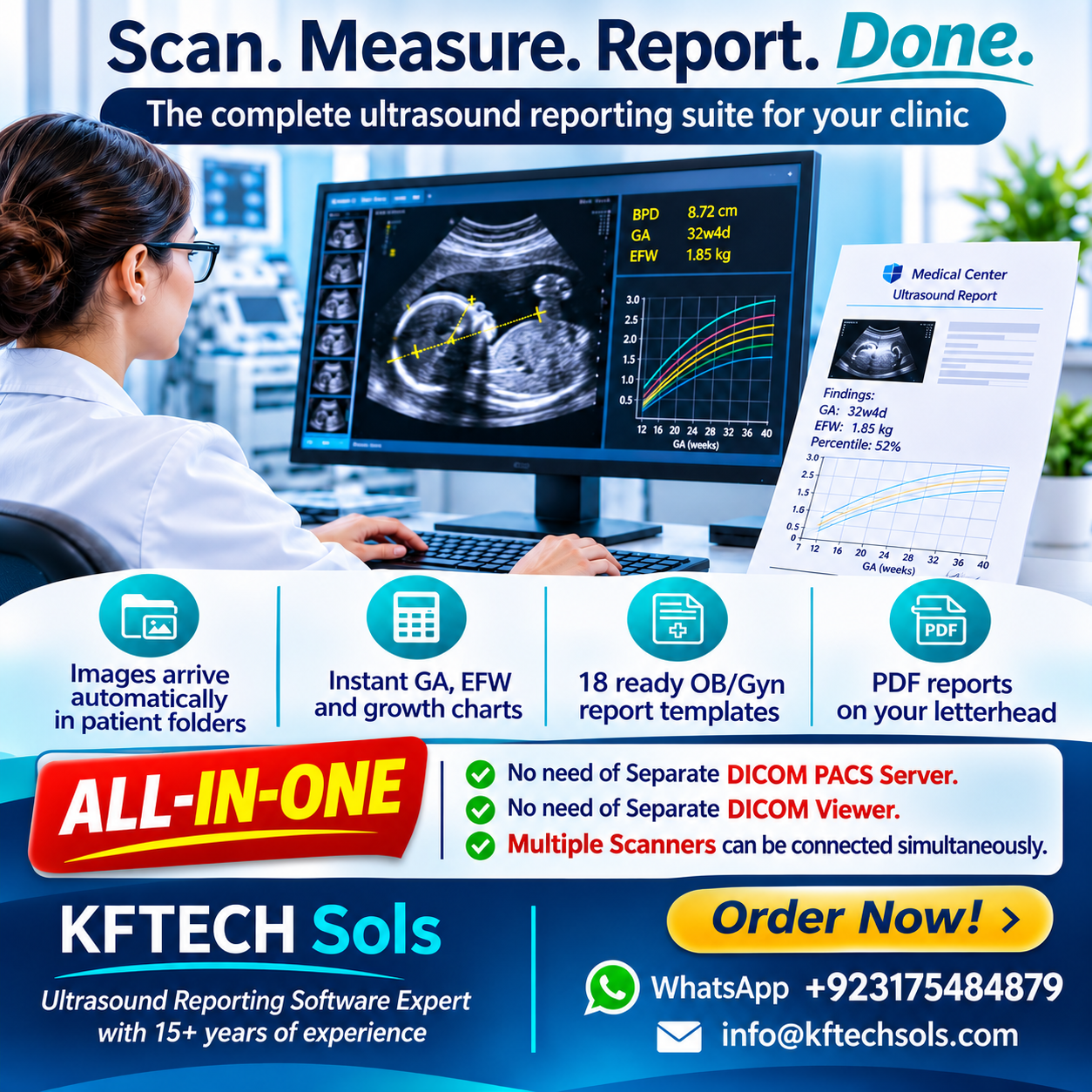
Ultrasound Imaging & Reporting Software for OB/Gyn Practices
Stop Retyping. Start Imaging and Reporting.
SonoSuite by KFTECH Sols is a complete desktop tool for sonologists and ultrasound centers. It takes you from the scan to a signed PDF report in one place, with no PACS, no spreadsheets and no manual formula lookups.
What it does for you
✅ Images arrive automatically. Your ultrasound machine sends images over the network (standard DICOM). They are saved in the right patient and date folder with no copying from USB sticks.
✅ Measure right on the image. Zoom, play cine clips, and use the distance caliper and ellipse tool (for HC and AC). Calibration is read from the machine, or you set it once yourself. One click sends the value to the calculator.
✅ Instant OB/Gyn calculations. Gestational age by LMP and by ultrasound (BPD, HC, AC, FL, composite, CRL), EDD with a re-dating suggestion, estimated fetal weight with percentile, biometry percentiles, ratios, amniotic fluid (AFI/DVP), Doppler indices with CPR, and uterus, ovary, endometrium and follicle measurements.
✅ Growth charts for every visit. EFW, BPD, HC, AC and FL are plotted against published reference curves (Hadlock 1991 and NICHD 2022).
✅ 18 ready report templates. First trimester, NT scan, growth scan, anomaly scan, Doppler, biophysical profile, twins, cervical length, early pregnancy, and Gyn scans (pelvis, follicular monitoring, PCOS, postmenopausal, fibroids, adnexal mass, IUCD, post-evacuation). Edit the wording to match your style and save your own templates.
✅ Professional PDF reports. Your letterhead or logo, your signature, annotated images with measurements, growth charts, and printing in one click. Reports are saved as drafts you can reopen.
Who it is for
Sonologists, radiologists, OB/GYN clinics, and small and mid-size ultrasound centers with one or more machines that can send DICOM.
Why clinics like it
- No expensive PACS server needed
- Works offline on a normal Windows PC
- Fixed one-time purchase, no monthly fee
- Reports look the same every time, with fewer manual errors
What you get
- SonoSuite software (full source with setup guide)
- Step-by-step instructions to connect your ultrasound machine
- Sample PDF report
- Free updates for [__ months]
Requirements
- Windows 10/11 PC, Python 3.10-3.12 (installation instructions included)
- An ultrasound machine with DICOM Storage enabled (some brands need this option activated by the vendor), or DICOM files from CD/USB
Important notes
- SonoSuite supports clinical workflow and calculations. It is not a diagnostic device, and the reporting physician must review and sign every report.
- Please test with your own machine and a few cases before routine use.
- Arabic/Thai report text depends on installed fonts; contact us before buying if you need them.
Need help or a custom version? KFTECH Sols also offers installation, machine connection, custom templates and HL7/HIS integration. Message us after purchase